Introduction: The Graphics Processing Unit
Start with the workload
Read the GPU overview, then list your workload, memory needs, and software requirements before comparing devices.
Start with: Introduction: The Graphics Processing Unit
RedLectern topic
Processors · memory · accelerators · capacity planning · inference and training requirements
For: Local users · builders
After this page you can: Estimate whether a workload fits available hardware
Page reviewed
Part of: Artificial Intelligence › Local and on-device AI
Choosing hardware for AI starts with the workload, not a processor label. Inference and training place different demands on a system, and a model’s stored weights are only part of the memory needed while it runs. For a useful estimate, identify the model and numerical format, the context length, the amount of concurrent work, and whether you are serving requests or updating model weights. Then compare the full working set with the memory the device can actually make available.
Processors and accelerators matter alongside memory. A GPU is designed to run many operations in parallel, while a CPU handles general computer instructions; an NPU may accelerate selected neural-network operations. Their usefulness depends on whether your software supports the device and whether it can keep the workload supplied with data. Local execution tells you where inference runs, but does not establish the full data path: check whether an app uses cloud models inside local apps, remote embeddings, telemetry, or logs. Use this page to build a workload estimate, then verify it with the documentation for the hardware and software you plan to use.
Read the GPU overview, then list your workload, memory needs, and software requirements before comparing devices.
Start with: Introduction: The Graphics Processing Unit
A computer’s CPU, GPU, and NPU can serve different roles, but a device label alone does not say whether a workload will run. Check the accelerator’s usable memory, the software stack and framework support, and whether the application can use that device. RAM, video memory, and unified memory describe different arrangements for making working data available. They affect where a workload can fit and how data moves between processors. Recheck vendor documentation when choosing hardware or updating software because support and compatibility change.
Use AMD’s current overview and compatibility links to check the software stack for supported hardware.
Explains the difference between unified and discrete memory models.
CPU
A general-purpose processor that executes a computer’s instructions.
GPU
A processor suited to many parallel computations.
NPU
A processor designed to accelerate selected neural-network computations.
RAM
Working memory used by a running computer.
VRAM
Memory directly available to a graphics processor.
Unified memory
A memory arrangement allowing processors to share a common memory pool.
CUDA
NVIDIA’s platform and tools for programming compatible GPUs.
ROCm
AMD’s software stack for supported accelerator computing.
Metal
Apple’s interface for graphics and GPU computation.
A device has an integrated GPU and a discrete GPU. Which details would you check before deciding whether a workload can use either one?
Check each GPU’s available memory, whether the runtime and framework support it, and whether the application can select that device. An integrated GPU may share system memory; a discrete GPU may have separate video memory.
For inference, do not estimate fit from weight storage alone. The working set can also include input data, intermediate activations, runtime overhead, and—when generating text—the KV cache. Context length and concurrent requests affect how much cache and working memory the system needs. Quantization changes the representation used for weights, so state the quantization assumed in an estimate and verify the application’s actual memory use. A device with shared memory still needs room for the operating system and other applications.
Introduces GPU processing elements and the memory hierarchy used to access data.
Your inference estimate includes quantized model weights but no allowance for context or simultaneous users. Name three additions to check before deciding whether it fits.
Add memory for the context-dependent KV cache, activations and runtime overhead, then account for concurrent requests. State the weight quantization assumed and compare the resulting working set with memory available to the application.
Training usually needs a larger working set than inference because the system must support learning operations as well as hold model weights. Depending on the method, memory use includes activations saved for gradient computation, gradients, optimizer state, and input batches. Batch size and sequence length can change the peak, so capacity planning should target peak use during a representative training step rather than the idle model footprint. Profile the intended configuration and leave headroom for the operating system, data pipeline, and other processes.
Discusses how batch size affects memory use for inputs, activations, and gradients.
A training run fits while loading weights but runs out of memory during the first optimizer step. Name memory categories to inspect and one workload setting to vary.
Inspect activations, gradients, and optimizer state in addition to weights. Try a smaller batch size, then profile peak memory again because batch size changes input and activation memory.
No recent updates are available.
Vivienne Sze, Yu-Hsin Chen, Tien-Ju Yang, and Joel S. Emer · 2020
Builds a framework for mapping DNN workloads to hardware and comparing efficiency trade-offs. Its 2020 treatment predates current accelerator generations, so pair it with current device documentation.
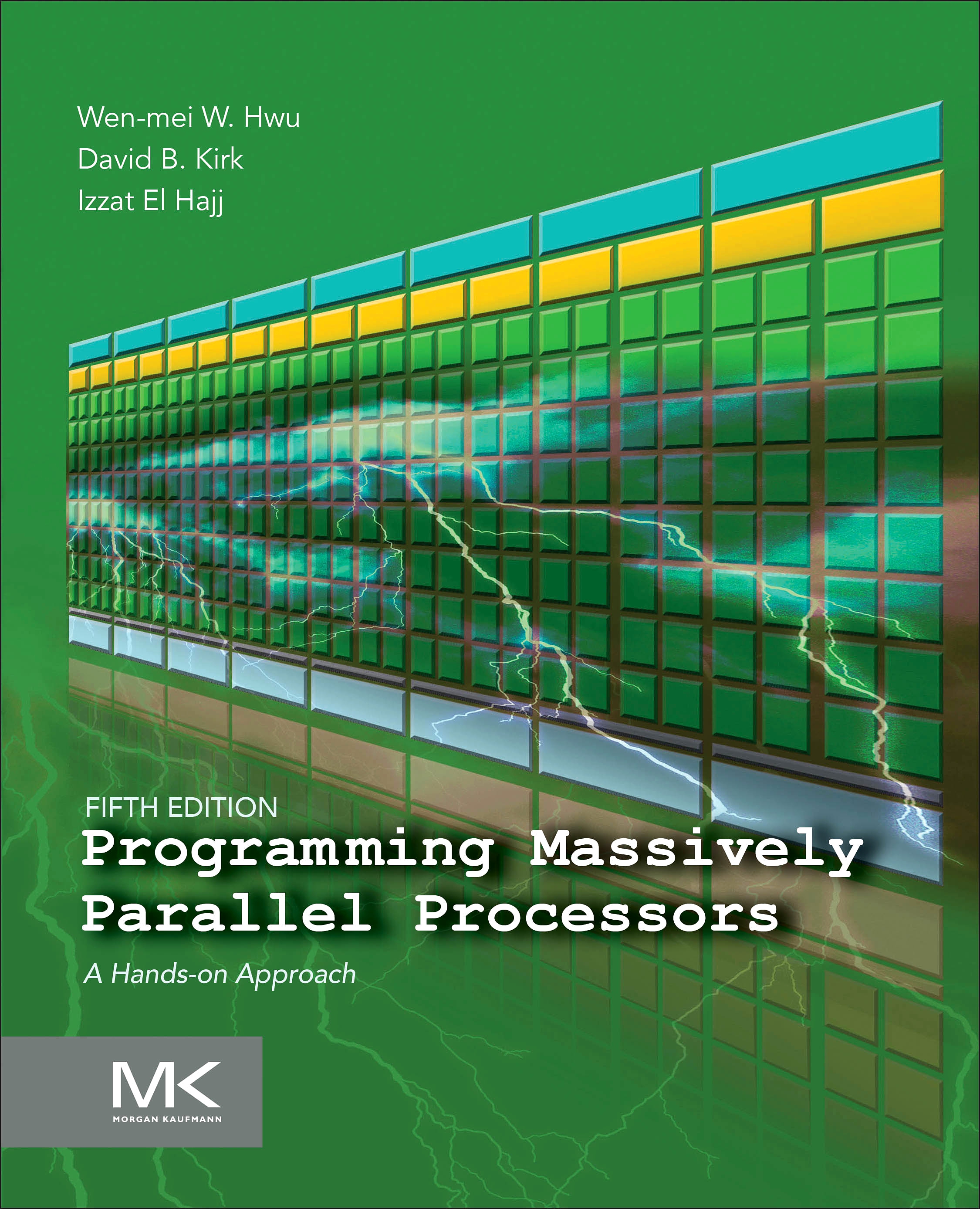
Wen-mei W. Hwu, David B. Kirk, and Izzat El Hajj · 2026
Explains GPU architecture, memory locality, and performance through parallel programming examples, including deep learning. The 2026 fifth edition adds material on large language models and current CUDA features.
Ian Goodfellow, Yoshua Bengio, and Aaron Courville · 2016
Builds the neural-network and optimization background needed to interpret training workloads. The 2016 edition is not a guide to current accelerator selection; the authors provide the complete online text free.